
It's a common scenario to have to look in the folder where your
backup files are stored to find the latest backup set. So say
you have a folder containing only full database backups of the
AdventureWorks database:
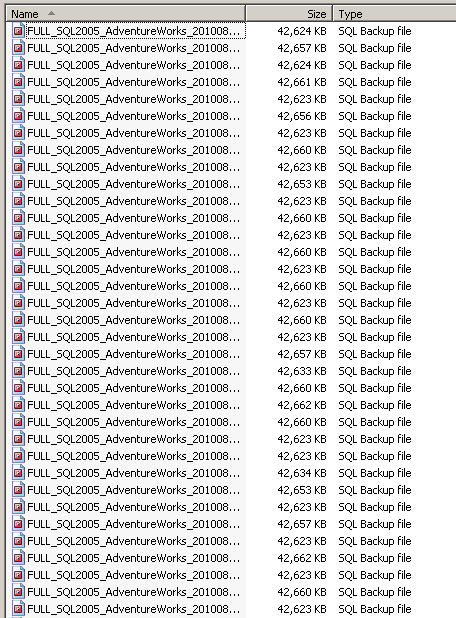
Usual practice is to sort the files by the modified date, copy
the newest file name, and paste it into Management Studio to
perform the restore. Now what if your backup tool could
identify the latest backup set for you? What if you could
simply add an option to the RESTORE command to tell
it to pick up the latest full backup set, like this:

The LATEST_FULL option is
all you need to restore from the latest full backup set for the
AdventureWorks database in the 'e:\backups\' folder. The
usefulness of this becomes more apparent when you want to restore
the database on a reporting or secondary SQL Server instance.
Instead of writing reams of code to determine the latest
backup set, or setting up linked servers to the source SQL Server
instance to query the backup history tables, you simply use the
LATEST_FULL option and SQL
Backup does the rest.
And why stop there? There is also a LATEST_DIFF option, which will identify
and restore the latest differential backup set for you
automatically.
Simplicity at its best.
Document history
| 8/13/2010 | Initial release. |